


Provide the details
Enter the radio number or add a clear photo of its label.
We could not find this in the catalog. Paste the number or add a label photo — we will try to identify the radio.
Panasonic TM9 / Uconnect
Enter the full serial beginning with TM9 followed by 9 digits. You can also upload a label photo and we will try to read the serial automatically. TM9
We use only the complete TM9 serial. TZ1AA and other module identifiers are not TM9 radio serial numbers.
Selecting a photo sends it to Google Cloud Vision (EU) to read the label text.
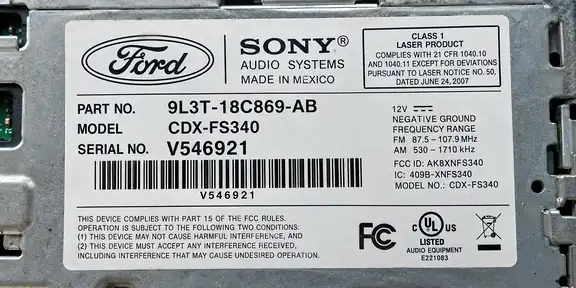
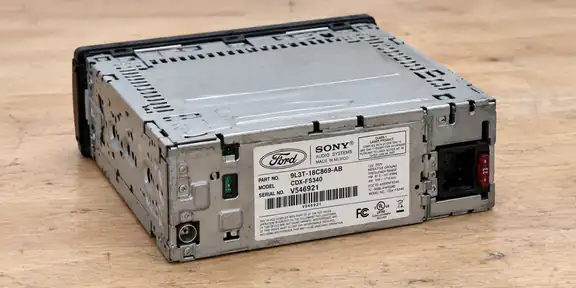
Hold your phone horizontally (landscape). Photograph only the label up close, straight on and in good light. The whole label and every digit must be sharp, with no glare.
Cannot get a clear photo? Enter the serial number manually.Check the markings before using the calculator.
Look for the numbers on the label attached to the radio casing. If the label contains several numbers, you can paste the whole label text or add a photo.
Do not enter the VIN or a random part number. If the label has several numbers, paste the whole label text or add a photo.
The data below comes from our knowledge base and is also used to identify the correct service.
Enter the radio number or add a clear photo of its label.
We check the number and identify the supported radio family.
If the radio is supported, we show the available code immediately.