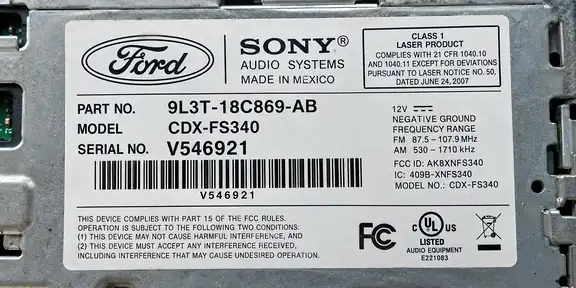
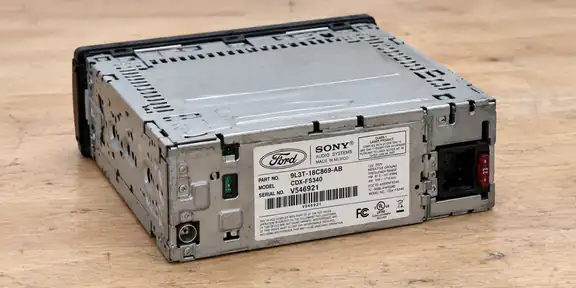
We could not find this in the catalog. Paste the number or add a label photo — we will try to identify the radio.
+ Radios
BE7935
You do not need to know which number to look for. Paste everything — we will find the right one.
# Paste a number or label text
or
□ Take or add a label photo
Selecting a photo sends it to Google Cloud Vision (EU) to read the label text.
▣How to take a good photo?
✓YES — whole, sharp label✕NO — entire radio from far away
Hold your phone horizontally (landscape). Photograph only the label up close, straight on and in good light. The whole label and every digit must be sharp, with no glare.