


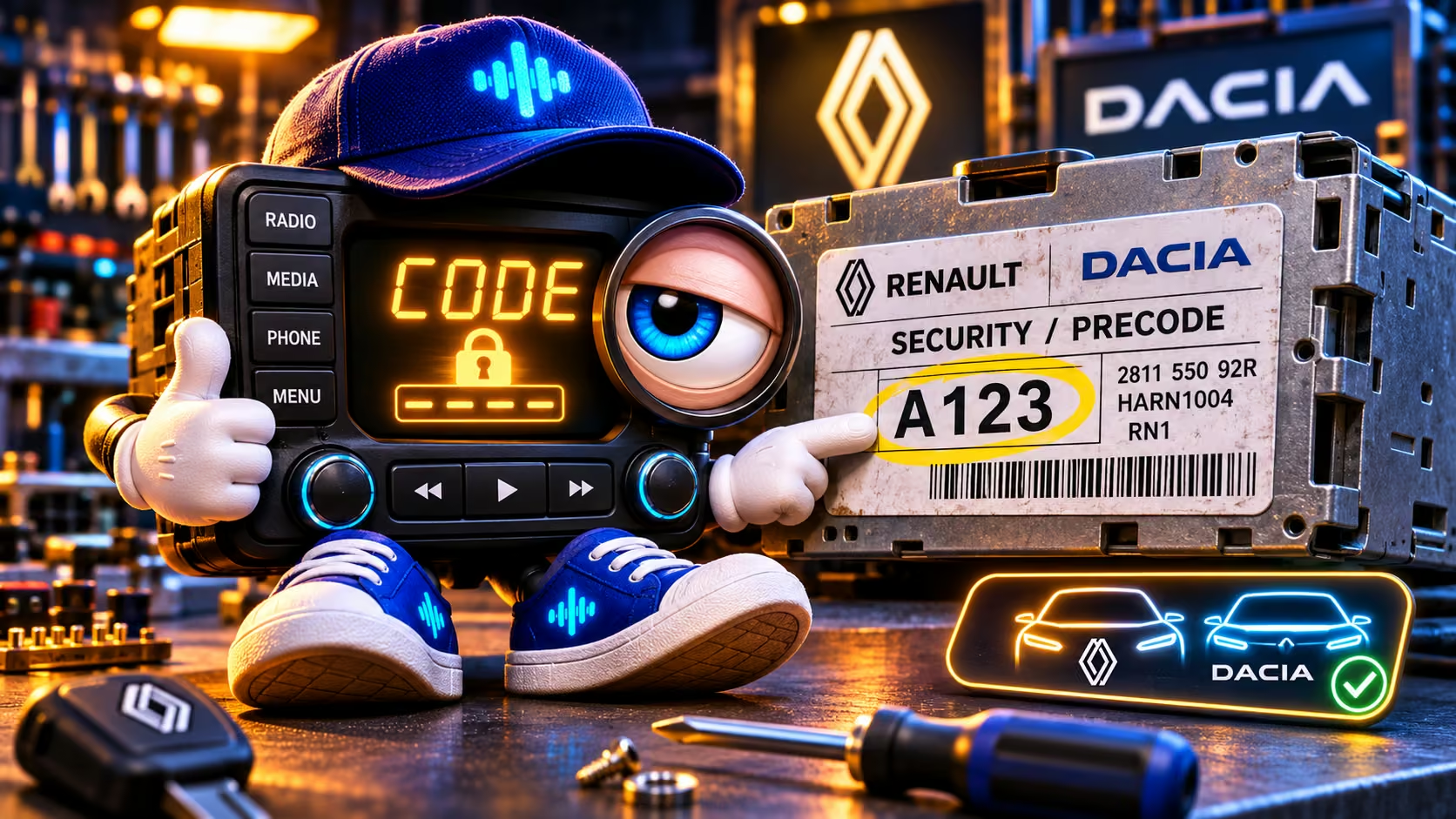
Why does the radio say CODE after a battery change?
Disconnecting a car battery can trigger the anti-theft lock on certain original radios. The screen says CODE and the speakers stay silent. This does not necessarily mean the radio is defective: the unit is waiting for its matching unlock code. Do not try random combinations, because repeated wrong attempts may cause a waiting period.
Which procedure applies to your radio? Identify the family first
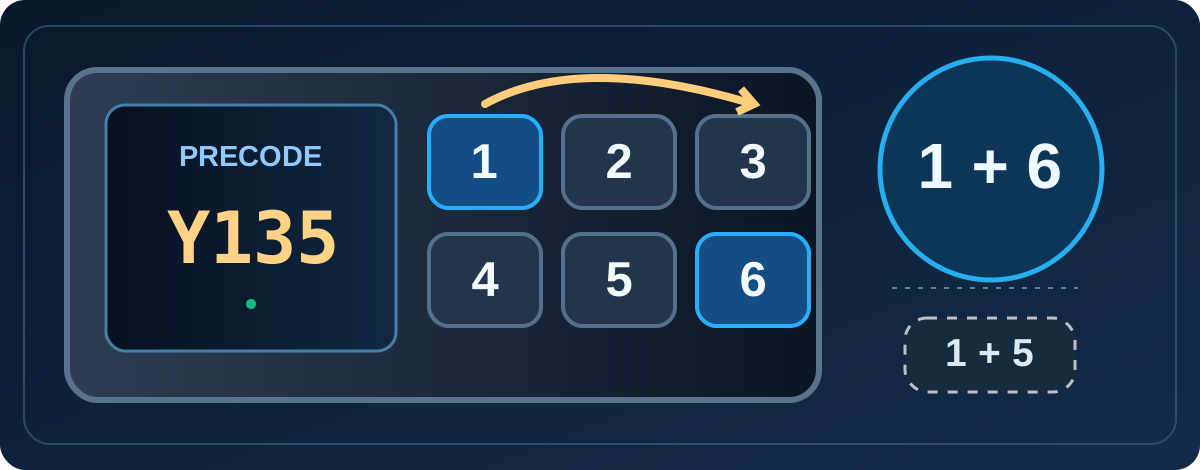
Tuner List / Update List (older radios with station keys 1–6): some versions display the precode when holding 1 + 6. Others use 1 + 5. This is a family-level clue, not proof that every part-number variant has the shortcut.
Renault NR / TUNER-AMPLIFIER: Renault service documentation specifies a self-test using 1 + 6 + i. This is a different procedure. If your unit does not have an i key, do not guess at substitutes.
Plug&Radio: Renault documents entering four digits with buttons 1–4 and holding 6 to confirm. This does not prove that 1 + 6 displays a precode. 22DC278/62B, RENRDW330-10 and LAN5200WR4 are examples of actual radio model markings, not reliable button shortcuts by themselves.
Media Nav, R-Link and newer systems: do not apply the six-key instructions automatically. Identify the exact unit and verify decoder support before choosing a recovery service.
Show the precode without removing the radio: 1 + 6 or 1 + 5
On selected older radios with six station keys, switch off the radio, hold 1 and 6, then turn it on while holding them for several seconds. A supported unit may show a precode such as Y135. Some variants use 1 and 5 instead. This displays the precode, not necessarily the complete serial number. These shortcuts do not work on every radio; if nothing appears, check the label rather than guessing other key combinations.
Where is the precode, and is it a part number?
On supported Renault and Dacia radios, look for a SECURITY or PRECODE marking on the unit's label. A short precode consists of one letter and three digits, for example A123. Other strings on the sticker may be part numbers, model IDs or longer serials, not the precode itself. A clear photograph of the entire label can be safer than guessing which part to type.
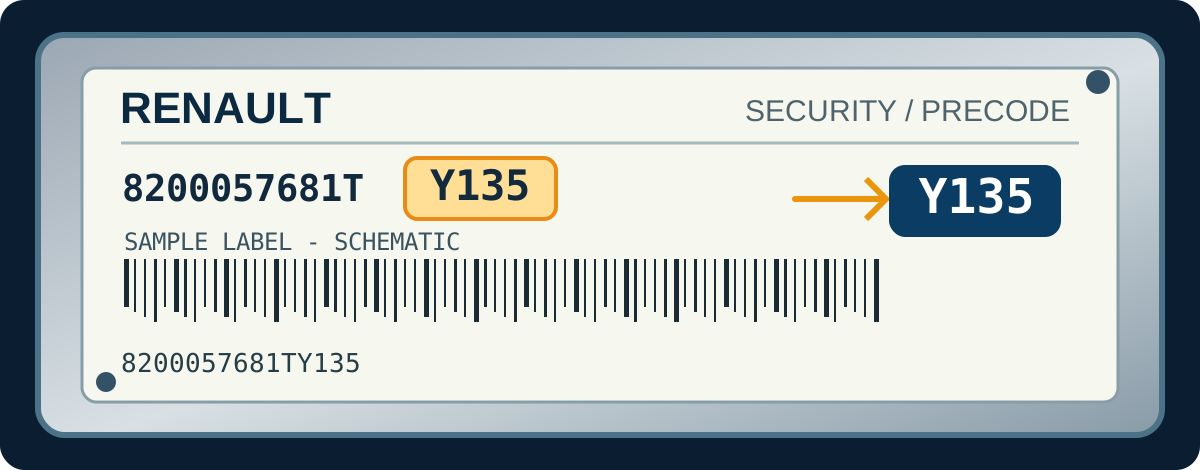
Actual label formats our decoder recognizes
Our identification tests contain concrete examples. 8200057681TY135 is recognized as Y135; 281155216RTT657 yields T657; 281152761RTE538 yields E538. These are supported label patterns, not arbitrary four-character guesses. The rest of each string is important context: do not simply select any four characters from a long barcode.
How to get your Dacia or Renault radio code
Open the existing Dacia radio-code service or Renault radio-code service. Enter the precode, paste the complete sticker text or upload a sharp photo. The service first checks the identifier and whether it can produce a result. This check is free; the current price is shown before payment. Once payment is confirmed, the available result is shown on the site.
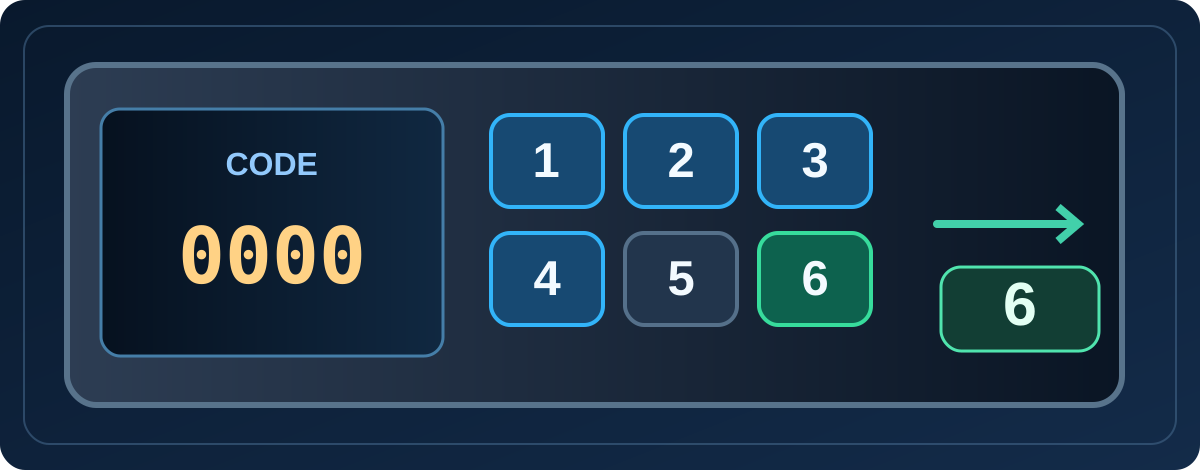
Enter the four-digit unlock code: buttons 1–4, confirm with 6
On many classic Renault/Dacia button-operated radios, CODE is followed by 0000. Press station button 1 repeatedly for the first digit, 2 for the second, 3 for the third and 4 for the last digit. Check all four digits, then hold button 6 to confirm, as described in Renault's Plug&Radio manual. Some radios use steering-wheel controls, a rotary knob or a different interface; this is not a universal procedure.
CODE ERROR, WAIT or no precode?
Stop guessing if the display shows ERROR, CODE ERROR or WAIT. Wrong attempts can increase the lockout waiting time. Wait as required by the exact radio manual and verify you are entering the actual unlock code rather than the precode. If no key combination reveals the identifier, use the radio label. Remove the unit only with appropriate tools; newer touch-screen systems may not use this precode method.
Is A123 the code to enter? Common questions
Is A123 the unlock code? No. It is an example of an identifier used to calculate the correct code.
Will every Renault or Dacia radio work? No. The exact unit and supported method matter; the word CODE alone is not enough.
What if I only have a long label number? Paste the full label or provide a photo. Do not guess at a code: recognized embedded formats can be extracted automatically.